
Feature 06 of 16 · New
Finances
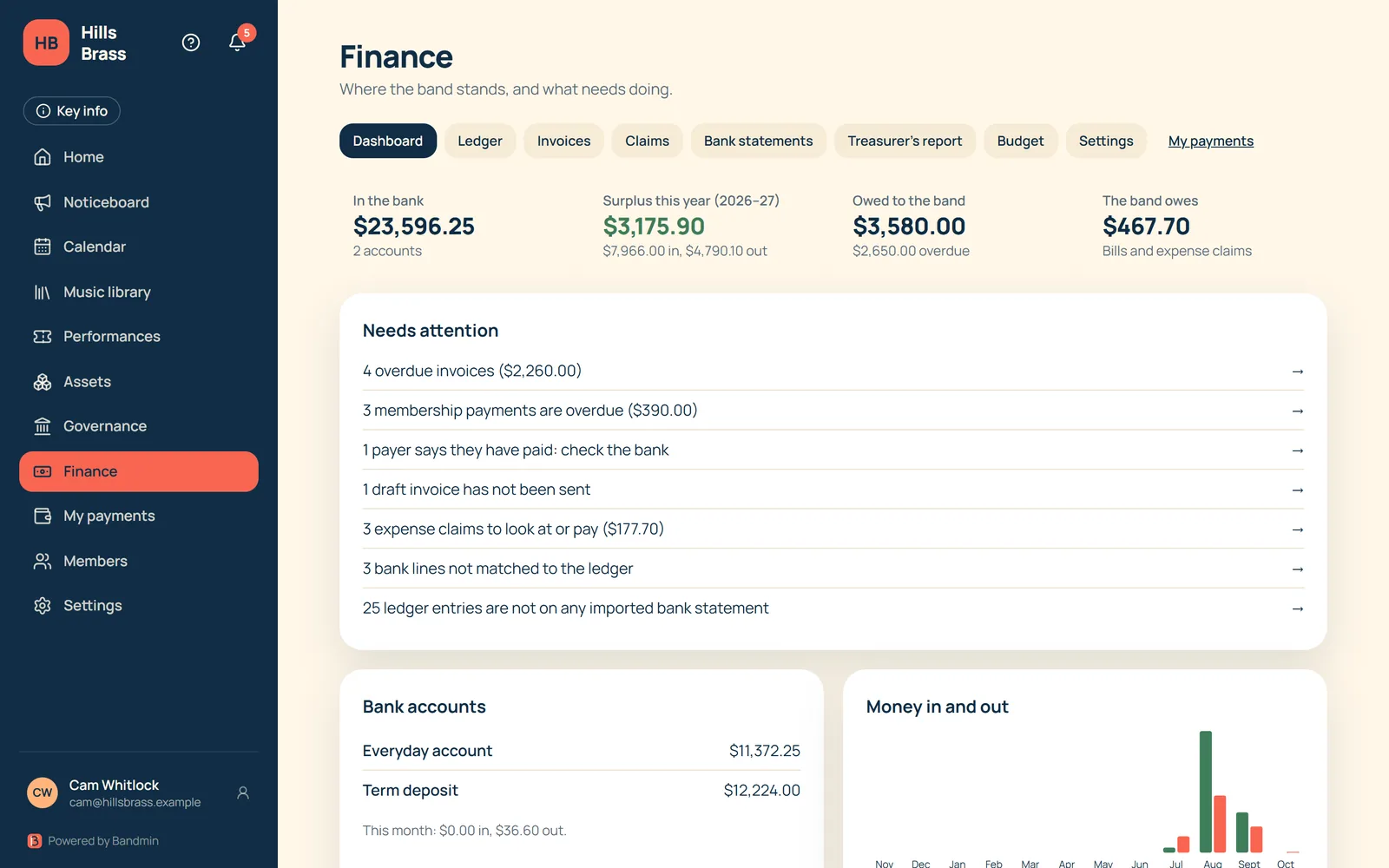
Run the band’s money in one place: a full ledger, invoices, expense claims, bank reconciliation and treasurer’s reports that build themselves.
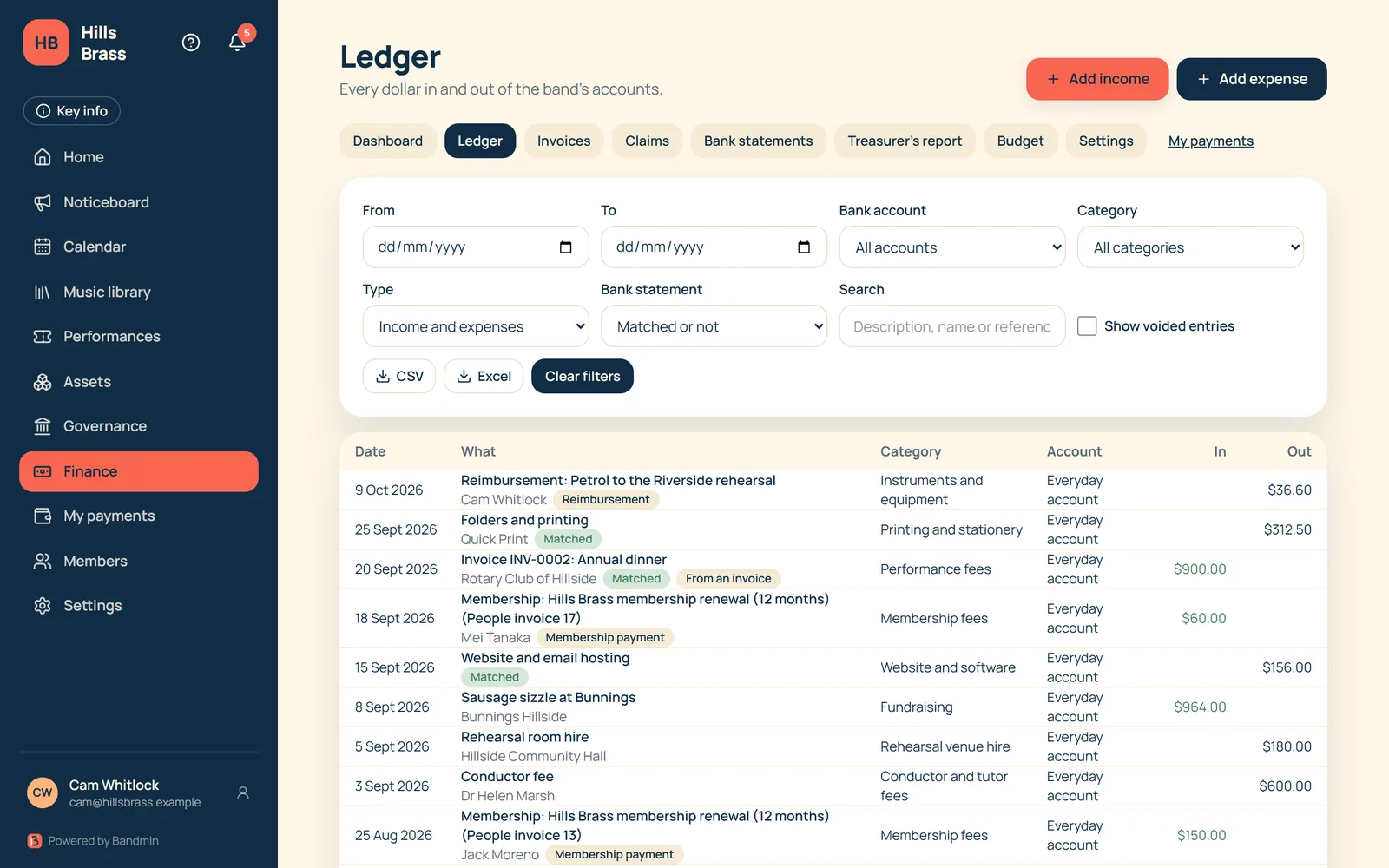
A full ledger
- Every dollar in and out of the band’s accounts, by category and bank account.
- Filter by date, type, category, account or reconciliation status, and export to CSV or Excel.
- Entries can be voided rather than deleted, so the history stays intact.
Invoices
- Issue invoices to members and others, with payment methods shown on every one.
- Invoices raised from membership dues post to the ledger when they are paid.
- Payers can say “I’ve paid”, and the treasurer is flagged to check.
Expenses and claims
- Members claim back money they spent on the band, with receipts attached.
- The treasurer approves, rejects or pays each claim, and reimbursements are recorded in the ledger.
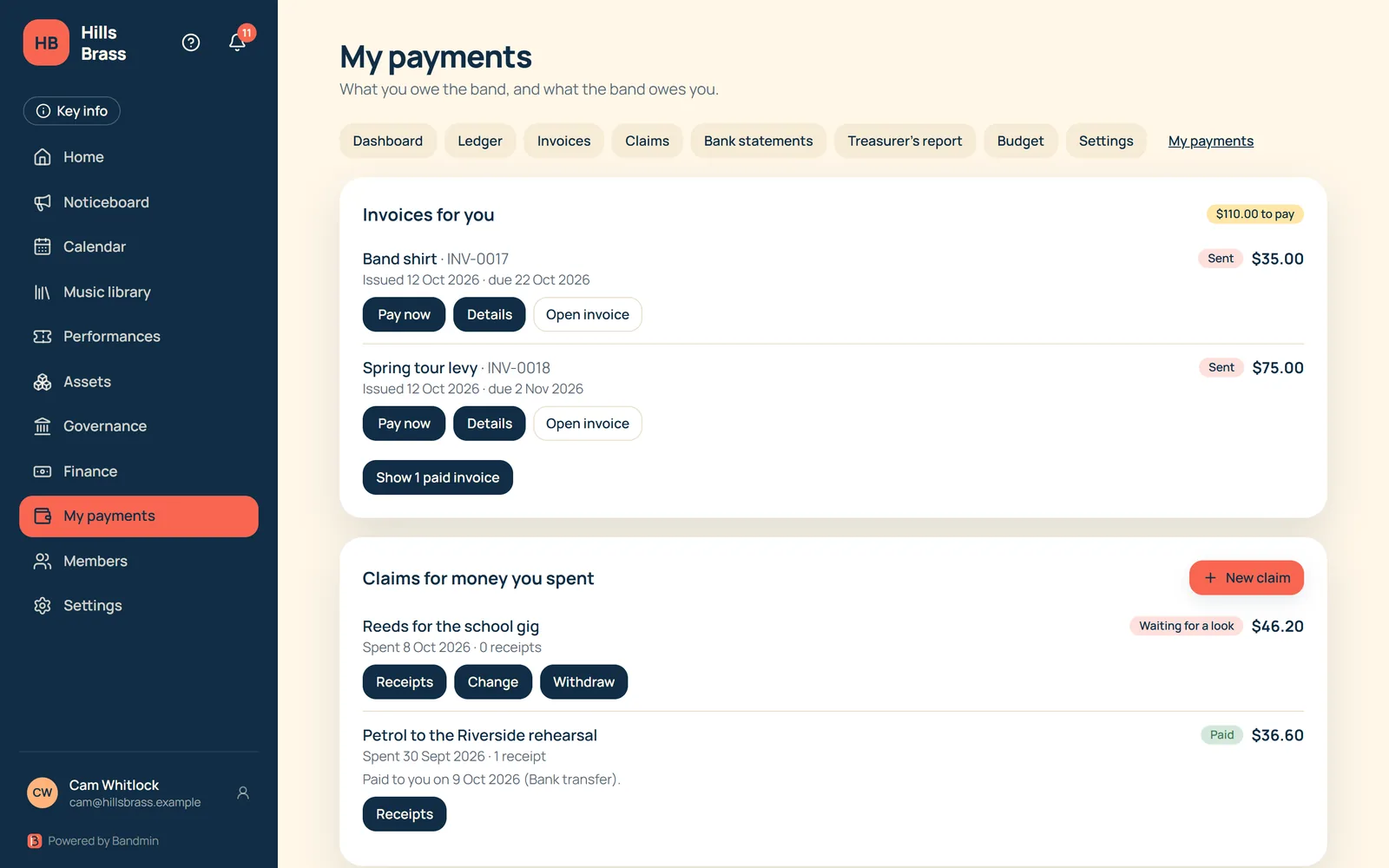
- Members see their own invoices and claims on one “My payments” page.
Bank reconciliation
- Import bank statements and match them to ledger entries.
- A needs-attention list shows entries with no matching bank line and bank lines with no entry.
Member dues, automatically
- Membership invoices are raised automatically before membership runs out.
- Overdue invoices are flagged and chased by email.
- Paid dues post to the ledger without double entry.
Budgets and reports
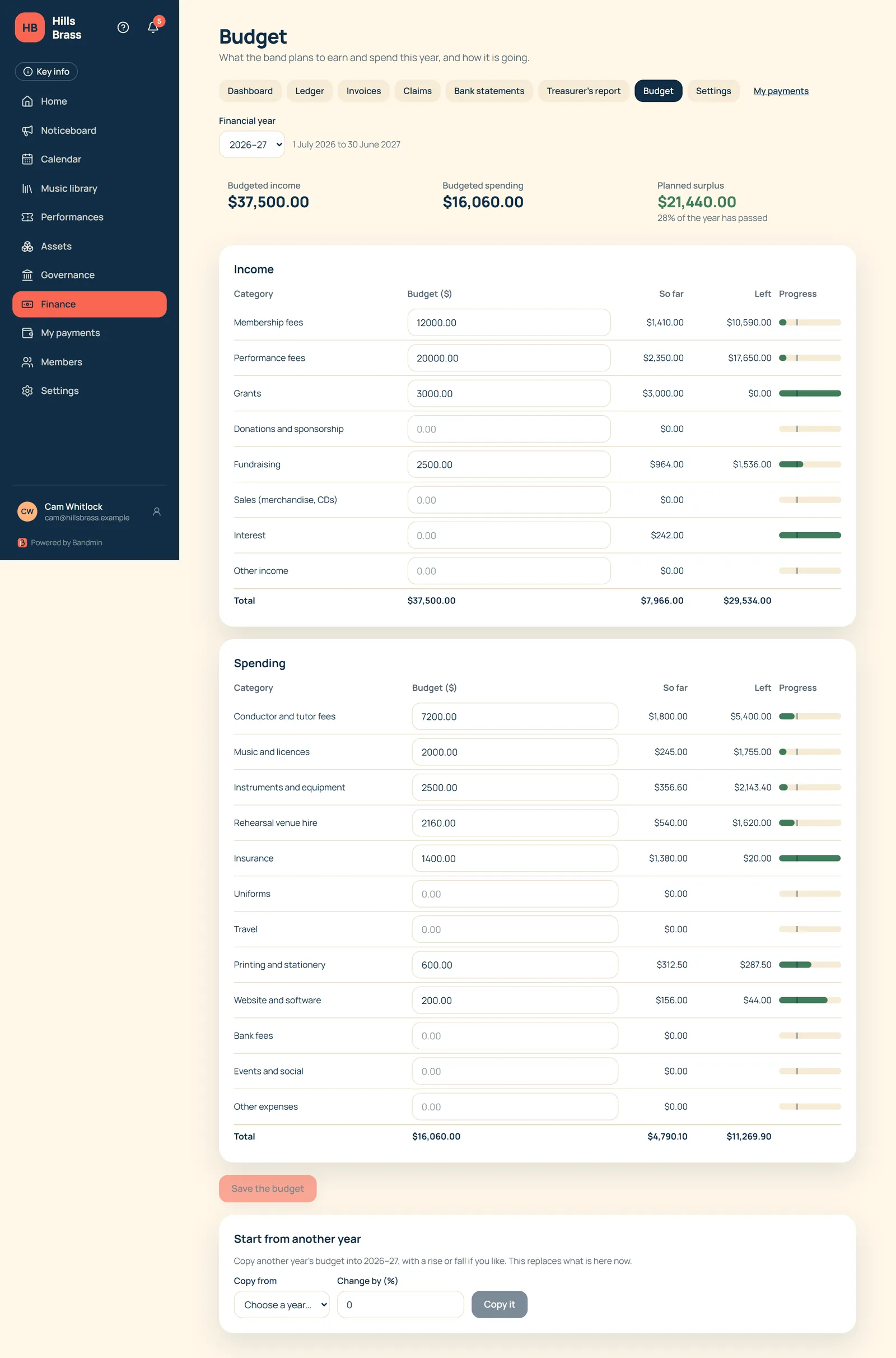
- Set a budget for each income and spending category and watch actuals against it through the year.
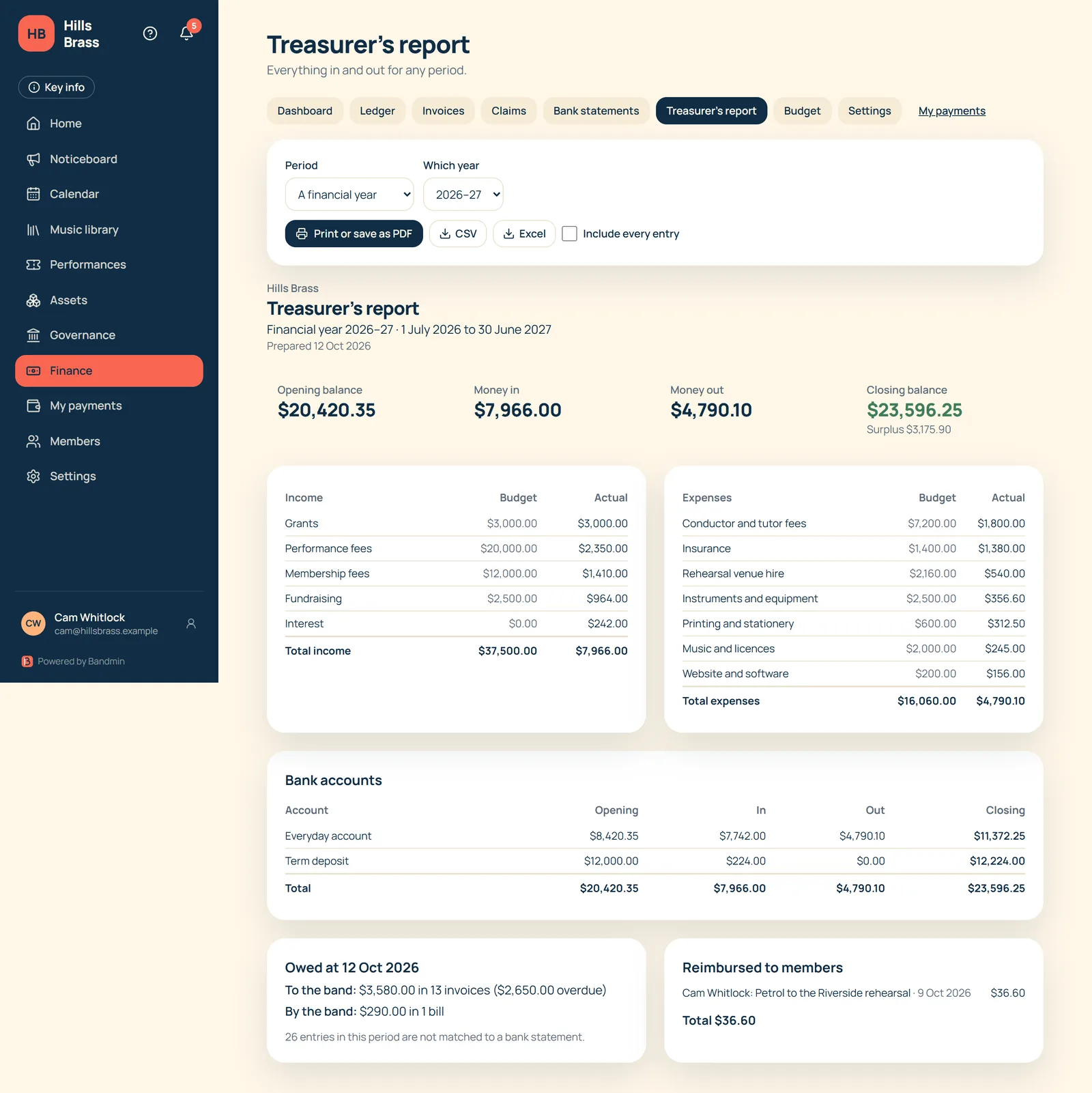
- The treasurer’s report builds itself for any period, with opening and closing balances, income and expenses against budget, bank accounts and what is owed.
- Print or save the report as a PDF, or export to CSV or Excel.
Coming later
- Online card payment of invoices
Want to hear when Bandmin is ready?
Leave your email and we’ll keep you posted.